
Since 2006, I have been installing and helping folks in Canton with their wifi, and boy has it changed a ton since then. What was once acceptable is now deemed unusable! If you run a speed test in your home right now, what does it say? Hopefully, it's over 100mbps. Here in East Canton, it should be more like 600mbps, and can be as fast as 1,000mbps on a newer device. If you are seeing less than you pay for, or that dreaded spinning wheel on Netflix, let me help you get to the bottom of it. Making your wifi work for you shouldn't be a mystery; it just takes a bit of expert strategy.
Step 1 is to think of wifi the same as you'd think of any other utility in your home, like water. Think about your shower heads: to have enough pressure to get the conditioner out of your hair, everything has to be right from the pipe at the street, through the delivery system in your home, and finally to the fixture. You usually can't blame the shower head alone, just as you can't always blame your internet company for that “free” router they provide. You need your own quality equipment in addition to the ISP gear, and ideally, it needs to be hardwired. The mistake of thinking “everything is wireless” is something I see a ton. Instead, realize that you probably have existing wires in your home that you need to leverage for the fastest performance, especially if your home is over 2,000 sq ft.
Step 2 is the diagnostic phase. Plug a laptop directly into your router and type "speed test" into Google. It should show a number that matches what you pay for on your bill. In East Canton, I recommend at least 300 mb/sec for two adults, or 500+ mb/sec if you have teenagers or gamers in the house. If you aren't getting that number while wired, you likely have a main line issue and should call your provider — or consider a switch.
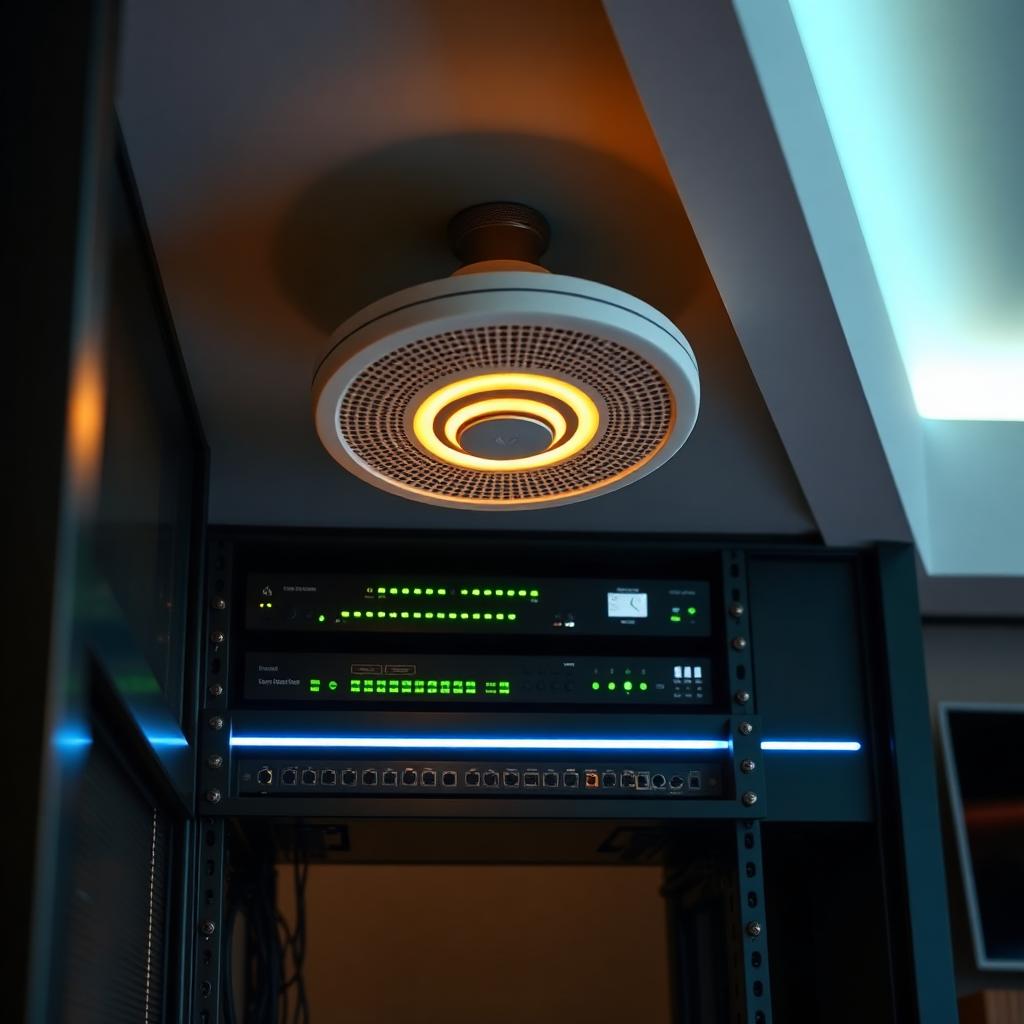
Step 3 is assessing coverage. Calculate your total square footage, including outdoor areas. Divide that by 1,500 to find your needed number of Access Points. For a 4,500 sq ft home plus a pool, I recommend four Access Points. These should be placed strategically and wired back to the main router for ultimate reliability. If you lack data lines, explore a Mesh Network system. Like anything else in life, you get what you pay for, so pay attention to ratings and service. Of course, if you want a tailored plan for your home, feel free to call me for some free advice at our Audio Zen office. Let's get your home up to speed!
Written by
Michael Buckner